Powerful Text Tools for Every Need
From counting words to analyzing readability, our suite of tools helps writers, students, developers, and content creators work more efficiently.
Word Counter
Count words, characters, sentences, and paragraphs in your text
Character Counter
Count characters with or without spaces in real-time
Typing Test
Test and improve your typing speed and accuracy
Reading Time
Calculate how long it takes to read your content
Text Analyzer
Analyze text for readability, keyword density, and more
Case Converter
Convert text between UPPERCASE, lowercase, Title Case, and more
Text Diff Checker
Compare two texts and see the differences highlighted
Placeholder Text Generator
Generate English placeholder text for your designs and mockups
Whiteboard
Create mind maps, flowcharts, and freehand drawings
Markdown Preview
Write and preview Markdown in real-time
Markdown Generator
Convert plain text to formatted Markdown syntax
Paraphraser Pro
Rephrase and rewrite text while maintaining meaning
Text to HTML
Convert plain text to clean, semantic HTML code
HTML to Document
Convert HTML to Word (.doc) or PDF format
Document Editor
Create and edit rich text documents with formatting
Why Choose Our Text Tools?
Lightning Fast
All processing happens instantly in your browser. No waiting, no delays - get results in real-time as you type.
100% Private
Your text never leaves your device. All processing is done locally in your browser for maximum privacy and security.
Completely Free
No subscriptions, no hidden fees, no limits. Use all tools as much as you want, forever free.
Perfect For Everyone
Whether you're a student, professional, or content creator, our tools help you work smarter and faster
Students & Writers
Meet essay requirements, track word counts, and improve writing quality
Content Marketers
Optimize SEO content, analyze keyword density, and check readability scores
Developers
Convert text cases, compare code, preview Markdown, and format text
Public Speakers
Calculate speaking time, practice with typing test, and prepare presentations
Document Templates
Start with professionally designed templates. Create documents instantly with localStorage - no signup required!

Blank Document
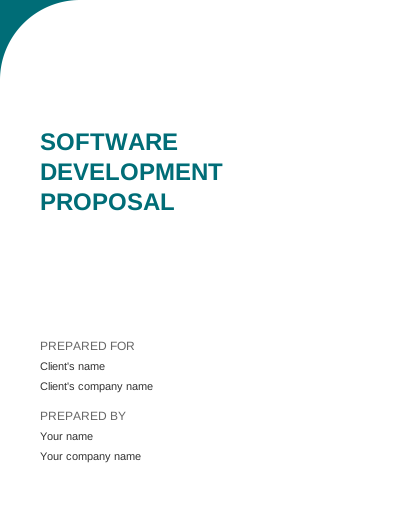
Software Development Proposal
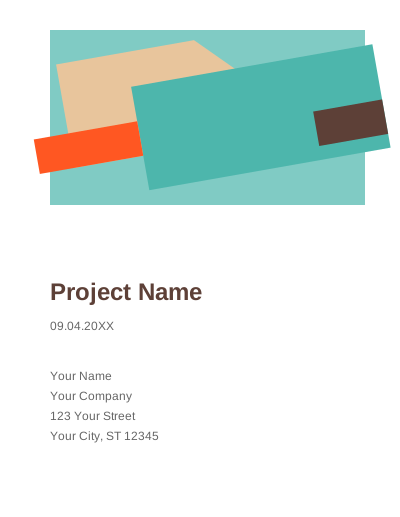
Project Proposal
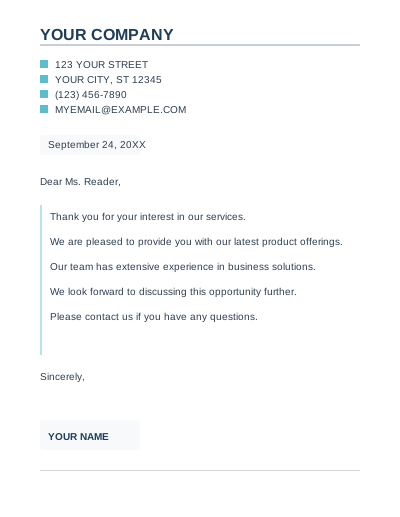
Business Letter
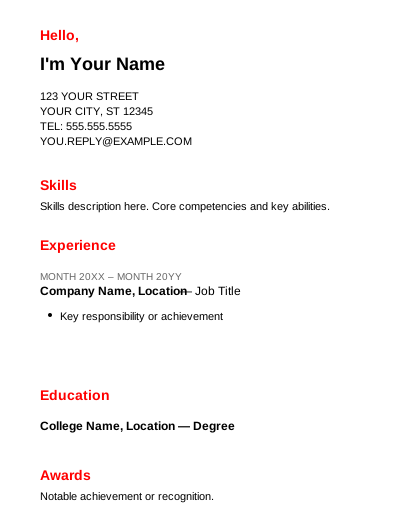
Resume
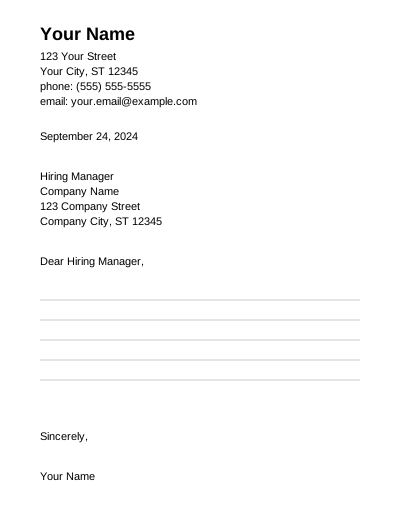
Cover Letter
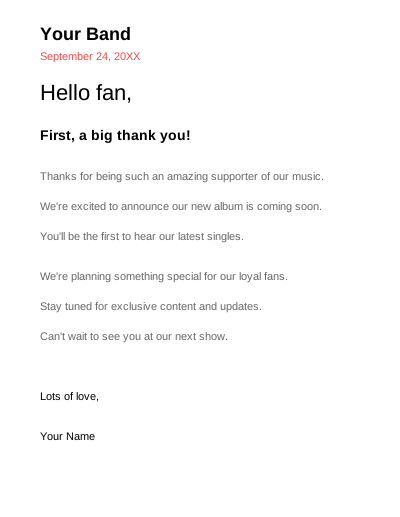
Letter
Latest from Our Blog
Expert tips, guides, and insights to improve your writing and productivity

Effective Keyword Research: Finding Topics That Drive Traffic in 2024
Master keyword research to drive targeted traffic. Learn how to find low-competition keywords, analyze search intent, and build topical authority.
Read More
Complete Guide to Text Analysis: Tools and Techniques for Writers
Learn how text analysis transforms good writing into great writing. Discover key metrics, readability scores, and how to use analysis results effectively.
Read More
10 Professional Document Formatting Tips for Business Success
Create professional documents that get read and remembered. Master typography, white space, visual hierarchy, and more for business success.
Read More
The Ultimate Guide to Online Whiteboard Collaboration for Teams
Transform team collaboration with online whiteboards. Learn mind mapping, flowchart creation, and remote workshop facilitation techniques.
Read MoreFrequently Asked Questions
What is Word Counter and how does it work?
Word Counter is a free online tool that counts words, characters, sentences, and paragraphs in real-time. Simply paste your text, and it instantly analyzes your content, providing detailed statistics including reading time and speaking time estimates.
How accurate is the typing test?
Our typing test is highly accurate, measuring your WPM (Words Per Minute) and accuracy in real-time. It uses standard text samples and calculates your typing speed based on industry-standard metrics used by typing tutors worldwide.
Can I use these text tools for free?
Yes! All our text editing tools are completely free to use. There are no hidden fees, subscriptions, or limitations. You can use any tool as many times as you need without any restrictions.
How does the Text Analyzer calculate readability?
The Text Analyzer uses the Flesch Reading Ease formula, which considers average sentence length and syllables per word. It provides a score from 0-100, where higher scores indicate easier readability. The tool also shows keyword density and other important metrics.
Is my text data secure and private?
Absolutely! All text processing happens directly in your browser. Your text is never sent to our servers, stored, or shared with anyone. Your privacy and data security are our top priorities.
Can I use these tools on mobile devices?
Yes! All our tools are fully responsive and work perfectly on smartphones, tablets, laptops, and desktop computers. The interface adapts to your screen size for the best user experience.
What is the Case Converter tool used for?
The Case Converter helps you transform text between different formats: UPPERCASE, lowercase, Title Case, Sentence case, camelCase, snake_case, and kebab-case. It's perfect for programmers, writers, and anyone working with text formatting.
How does the Reading Time Calculator work?
The Reading Time Calculator estimates how long it takes to read your content based on average reading speeds. It uses 200 words per minute for reading and 130 words per minute for speaking, with options to customize these speeds.